


Testing & data
How to export a PTCG Live battle log, and what to do with it
By Johnnie Tirado
Founder of DeckSequence and competitive Pokémon TCG player.
· 6 min read
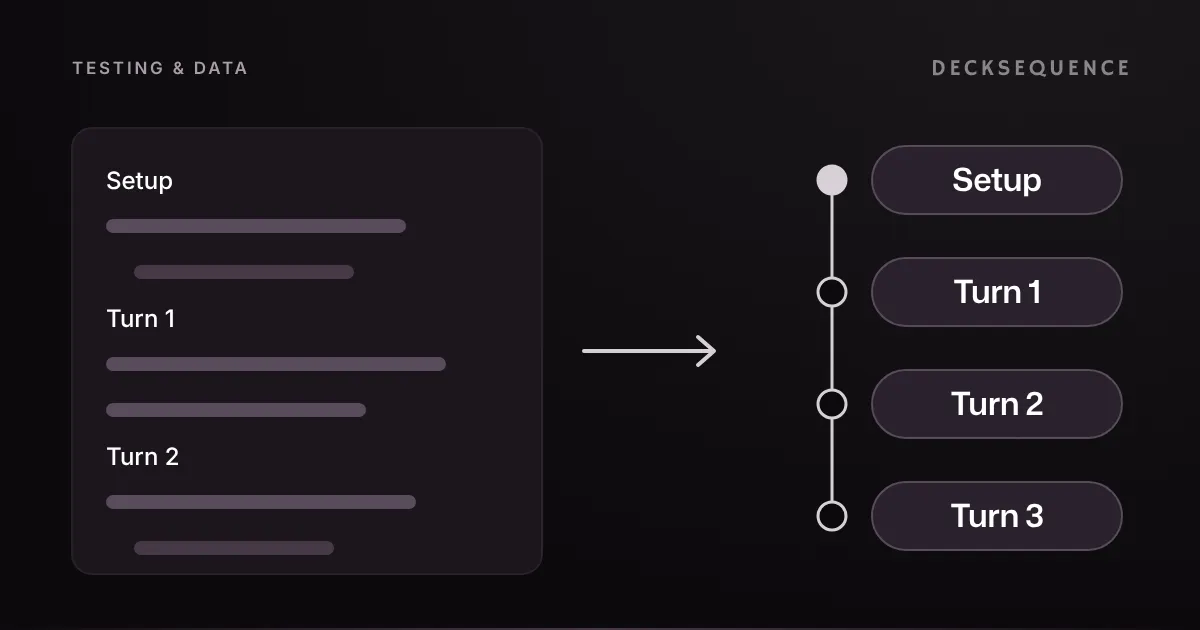
Every PTCG Live match leaves a battle log behind: a plain-text record of the coin flip, both opening setups and every card played, attached, evolved and attacked with, turn by turn. Most players never look at it. It's the most complete record of a match you'll ever get, and unlike your memory of the game, it doesn't round your misplays off.
Getting a usable copy takes two things: one setting in PTCG Live, and knowing what a complete log looks like.
Turn on card IDs first
Every card in a battle log carries an ID in brackets, like (me2-5_8) Chikorita. The ID names the exact printing, and it's the only thing that tells a tool which card you actually played. PTCG Live has a setting that strips those IDs out of anything you export, and with it on, the log still copies, but nothing downstream can read the cards.
To turn the IDs back on:
- On the PTCG Live home screen, tap your Profile.
- Tap Settings.
- Under Battle Log Settings, untick Hide Card IDs from Export.
The setting stays off from then on, so you only do this once. It covers deck exports too, which carry the same codes at the end of each line, like TWM 128. The card IDs guide has screenshots of each step.
Copy the log and check it
Copy the battle log from PTCG Live straight after the match, while you still remember which list you were on. Then glance at what you copied before pasting it anywhere, because the three ways a copy goes wrong are all visible in the text:
- It should start with
Setup. That section holds the coin flip, who went first, both opening hands and any mulligans, and it's where both player names come from. A copy that starts partway down can't be read, because nothing in it says who is who. - Each turn should open with a line like
Ash's Turn, followed by what was played that turn. Lines starting with-or•add detail to the action above them, such as the cards a search found. - There should be no
[LOG TRUNCATED]line near the top. PTCG Live marks a shortened log with that line. If it comes after a few turns, you still have those turns. If it comes before the first one, there's nothing to replay, so copy the log again.
The other common mix-up is pasting a deck export where a battle log belongs. They both come out of PTCG Live, but a deck list has no Setup and no turns.
What DeckSequence does with a pasted log
DeckSequence is a match tracker, and the battle log is the fastest way to fill it. Add your PTCG Live username to your account first, exactly as it appears in the game, so DeckSequence knows which side of each log is yours. Then log the match: pick the deck and the version you played, name the opponent's deck, choose PTCG Live as the environment and paste the log into the Battle Log field.
On the web, pasting the log fills in the result, who went first and the prizes each player had left, all from the log itself. It only does this when it can tell from the log which player you are, and it never guesses a tie. Check the values before you save. In the mobile app you enter those yourself. The opponent's deck name is always yours to type, since nothing in a log names an archetype, and reusing the same name each time is what groups matches into one matchup.
When you save, the log becomes:
- A turn-by-turn replay. Step through the match on a board, from your side or, with View as, your opponent's. PTCG Live only names your own draws, so the opponent's hand stays hidden rather than being made up.
- Flagged actions where the log is unclear. Some lines don't say which of two identical benched Pokémon received an Energy. The replay marks that action as ambiguous instead of picking one.
- Honest gaps for cards it can't match. A card that doesn't match anything in DeckSequence's card database stays in the replay under the name the log gave it, instead of quietly disappearing.
- Card usage for every card you touched. A card counts as seen when the log names it reaching your hand, through a named draw, a search, your opening hand or a Prize. It counts as played when you played it from hand, attached it or evolved into it.
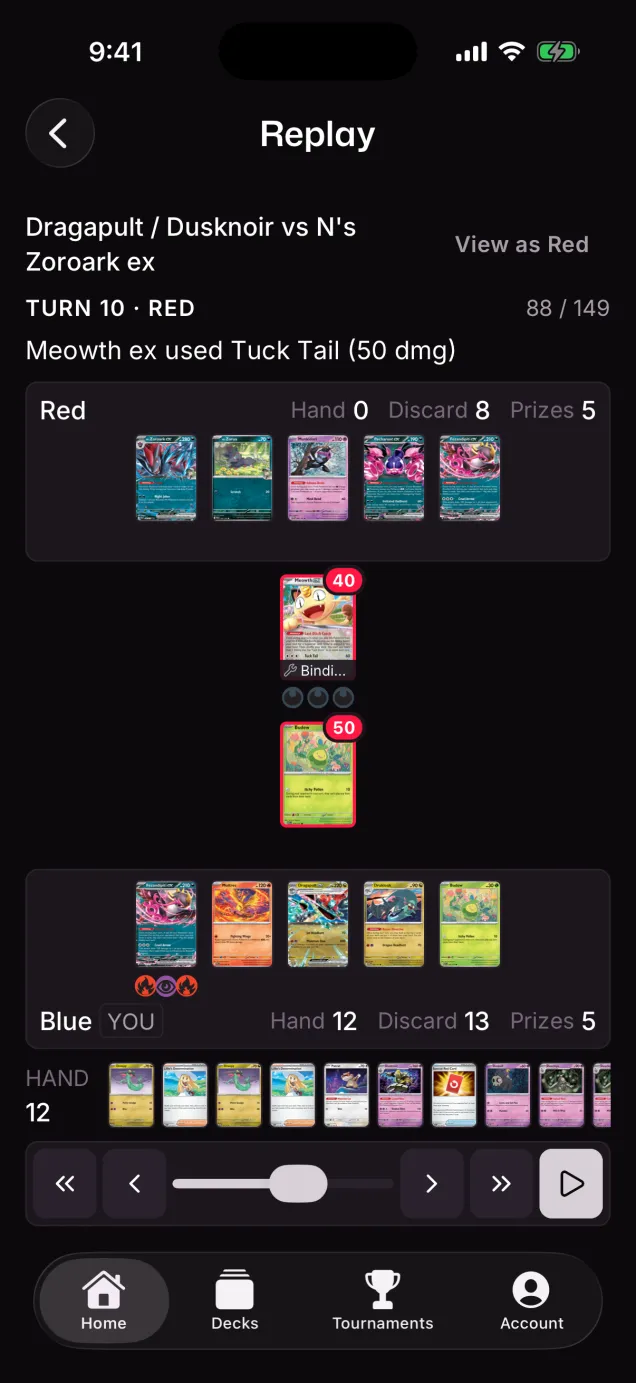
A log with a problem never costs you the match. The result, deck and opponent save either way, and only the replay is affected. If the save message says the log had an issue, its How to fix button opens the right guide, and you can edit the match later to paste a fresh copy.
What's free and what's Pro
Logging matches and battle-log replays are free, with no limit on matches, decks or versions. So are your overall and per-deck record and win rate.
Pro adds the numbers that need a pile of matches behind them: your record and win rate against each opponent deck, the record of each version of your deck, and card usage, meaning how often each card was seen and played across your logs. Every new account starts with a Pro trial, no card needed.
Why paste every log
A replay is useful the day you play the match. The record is useful a month later, when you have enough matches behind a list to judge it. Seen against played is the number that finds the card you keep drawing and never use, and per-matchup records tell you which pairings are real problems rather than a bad week. Neither shows up until the matches are logged, and a pasted log is the quickest way to log one in DeckSequence.
If you play PTCG Live on a computer, the log is already on the machine in front of you, so the web app is the easiest place to paste it. For the bigger picture, here's what a match tracker adds to PTCG Live's own stats. Sign up on the web and paste your next log.